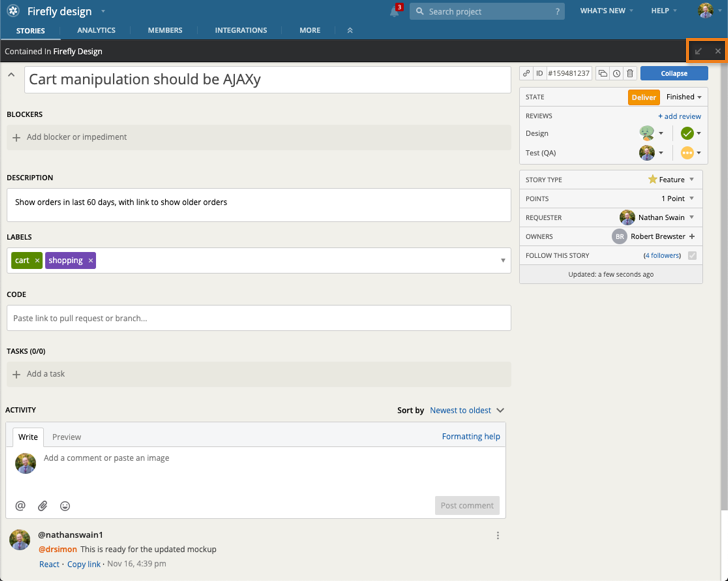
Click on the angled arrow button to the right of the story or epic title in the expanded story or epic to toggle to a full-page view.
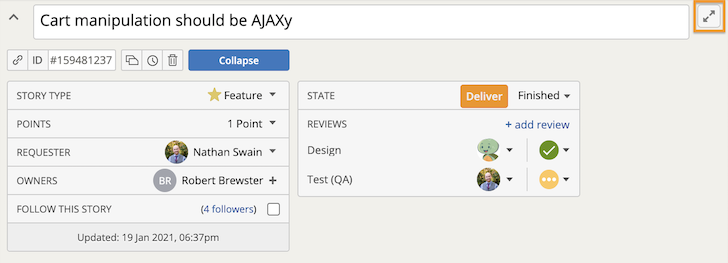
To open the full-page view in a new tab, press the CMD key (CTRL key on Windows) while clicking the angled arrow button.
When you paste a story or epic URL copied to the clipboard, or click a story or epic URL in an email, you’ll automatically launch the full-page view.
Click the angled arrow button in the top right corner to shrink the story from the full-page view and see it in context of the project. Click the X or the Collapse button to save the story and go back to your project or Workspace.