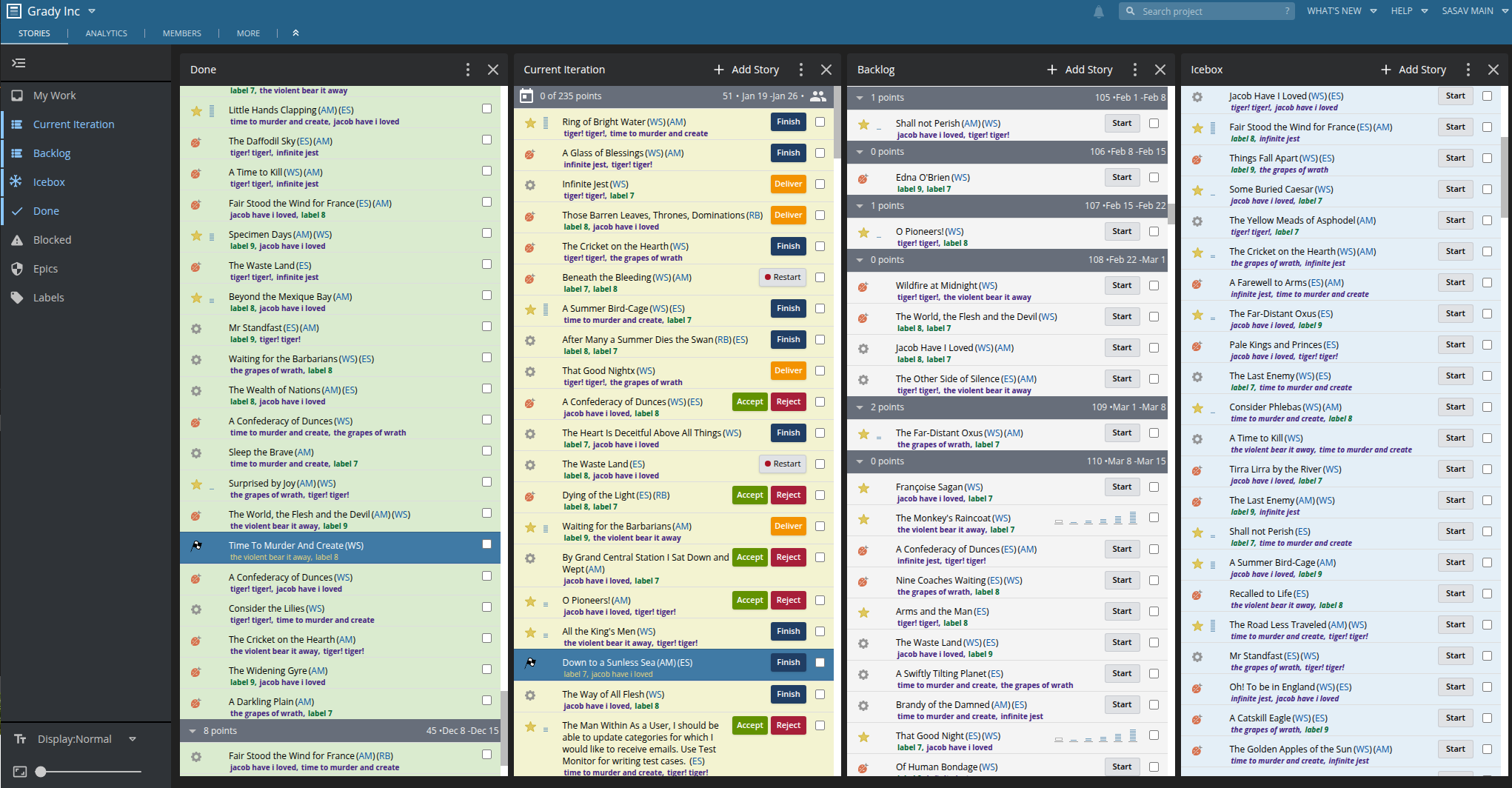
Import from Pivotal Tracker in Minutes
Transfer all your projects, stories, epics, and history to LiteTracker with our automatic import tool. No data left behind, no manual work required.
500+
Projects Imported
100K+
Stories Migrated
100%
Data Preserved
How It Works
Three Simple Steps
From Pivotal Tracker to LiteTracker in under 5 minutes
Get Your API Token
Log into Pivotal Tracker and copy your API token from your profile settings. This allows us to securely access your data.
Select Projects
Choose which projects to import. You can import all at once or start with a single project to test the waters.
Start Working
Your data is imported automatically. Stories, epics, labels, comments—everything is ready. Start working immediately.
Complete Data Transfer
Everything Gets Imported
No data left behind—we transfer your complete Pivotal Tracker history
Stories
Features, bugs, chores, and releases with all their details intact
Epics
All your epics with story associations preserved
Labels
Labels and their colors transferred to stories
Comments
Full comment history with timestamps and authors
Activity History
Complete activity log for audit trails
Attachments
Files and images attached to your stories
Story Points
Estimates preserved for velocity calculations
Owners & Requesters
Team assignments maintained on import
Project Settings
Iteration length, point scale, and more
Import Methods
Two Ways to Import
Choose the method that works best for you
CSV Import
RecommendedExport your data from Pivotal Tracker as CSV and upload it to LiteTracker.
- No API token needed
- Works with PT exports
- Import stories & epics
- Attachments included
API Import
Connect directly with your Pivotal Tracker API token for the fastest, most complete import.
- Fastest import method
- Includes all data types
- Preserves attachments
- Full activity history
Seamless Migration
Watch Your Data Flow In
Our import tool shows you real-time progress as your Pivotal Tracker data migrates to LiteTracker. Track every project, story, and epic as it transfers.
- • Real-time progress tracking
- • Detailed import logs
- • Error handling with retry options
- • Email notification when complete


Import FAQ
Common Import Questions
Everything you need to know about importing from Pivotal Tracker.
Ready to Import?
Your Data, Safely Transferred
Join hundreds of teams who have successfully imported their Pivotal Tracker data to LiteTracker. Start your free import today—no credit card required.